Get started with AirNgin
AirNgin is an IoT platform for device registration and management, cloud communication, MQTT, scenarios, dedicated settings, data services, and integration of both direct-connected devices and Gateway-mediated devices.
If this is your first time using the documentation, start here and then continue with the path that matches your product.
Choose the right integration path
Direct Device
If your device connects to the Internet and to AirNgin by itself, follow the Direct Device path:
- Register a device
- Learn MQTT basics
- Connect to the MQTT server
- Complete Direct Device MQTT topic reference
- Provision and log the device in to MQTT
- Publish and Subscribe
- Device security
Device Gateway
If some of your devices cannot connect to AirNgin directly and must be managed through an intermediary device, use the Device Gateway architecture.
In this architecture, the Physical Gateway is itself a real AirNgin Device with its own identity. Each Child Device also keeps its own independent DeviceSerial. The Child reaches the AirNgin cloud through the Gateway, but it remains an independent device entity in the platform.
Important platform capabilities
After the initial connection is working, you can use the features that fit your product:
- Dedicated device settings
- In-device scenarios
- Server time
- Cloud database
- Lab and test tools
- SMS and Push Notification gateway
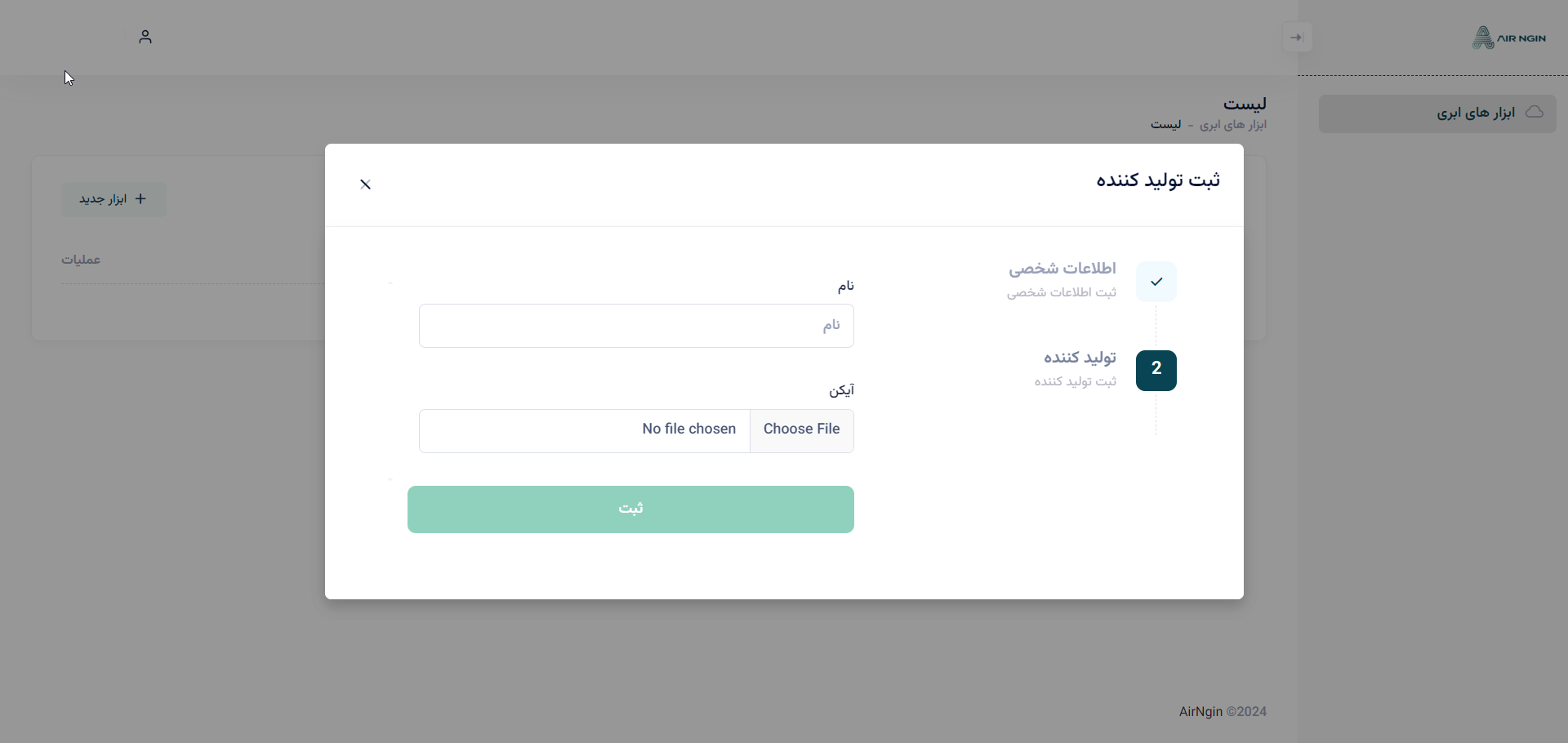
Register as a producer
To define products and devices in AirNgin, first sign in to the panel. On your first login, after verifying your phone number, complete the producer/supplier center information.
During identity verification, enter the identity information carefully and make sure the phone-number ownership and submitted identity details are consistent with the verification process.
Before you start firmware development
DeviceSerialis the AirNgin identity of the device. Do not confuse it with native protocol addresses such as Modbus, BLE, or CAN addresses.- Direct Devices and Gateway-mediated Child Devices use different communication contracts. Do not mix their MQTT topics.
- Receive security values and
ClientIdfrom the server and persist the exact issued values. Do not reconstruct them in firmware from guesses or visible formatting patterns. - A cloud outage must not stop the product's essential local control logic simply because AirNgin is temporarily unavailable.
Where to go next
For a typical product that connects directly to the Internet, continue with Register a device. If your product acts as an intermediary for other devices, go directly to Device Gateway.