AirNgin Lab
The AirNgin Lab is a producer-oriented environment for testing integrations, observing project traffic, and troubleshooting devices before and after release.
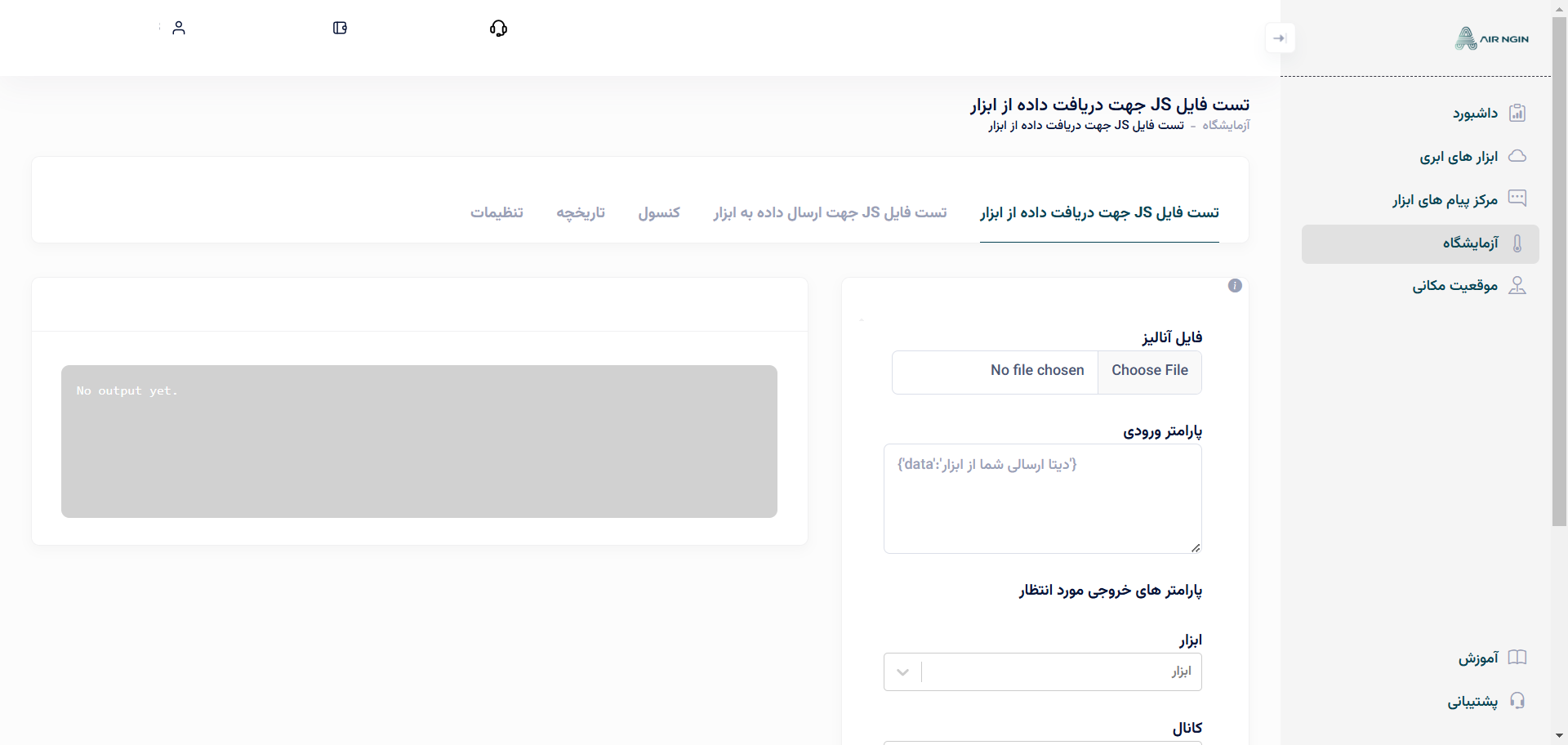
JavaScript Analyzer tests
For Direct Device integrations that use JavaScript Analyzer files, the Lab provides tools to test both directions before you upload the files to production.
Console
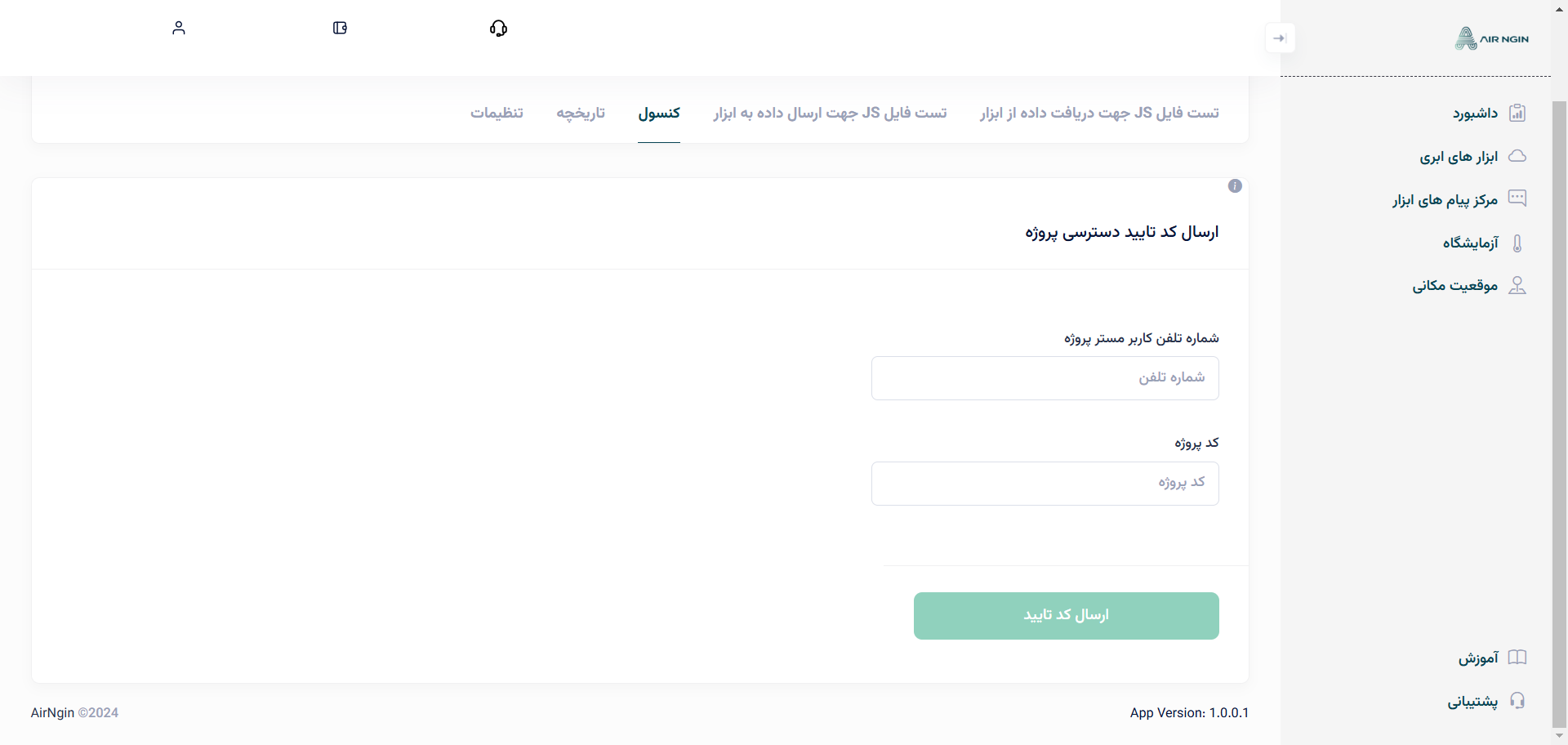
The Console lets an authorized producer connect to a customer's project for a limited support session, observe project traffic, and send supported commands.
Access requires the authorization code supplied by the project owner. The source documentation describes this support access as time-limited.
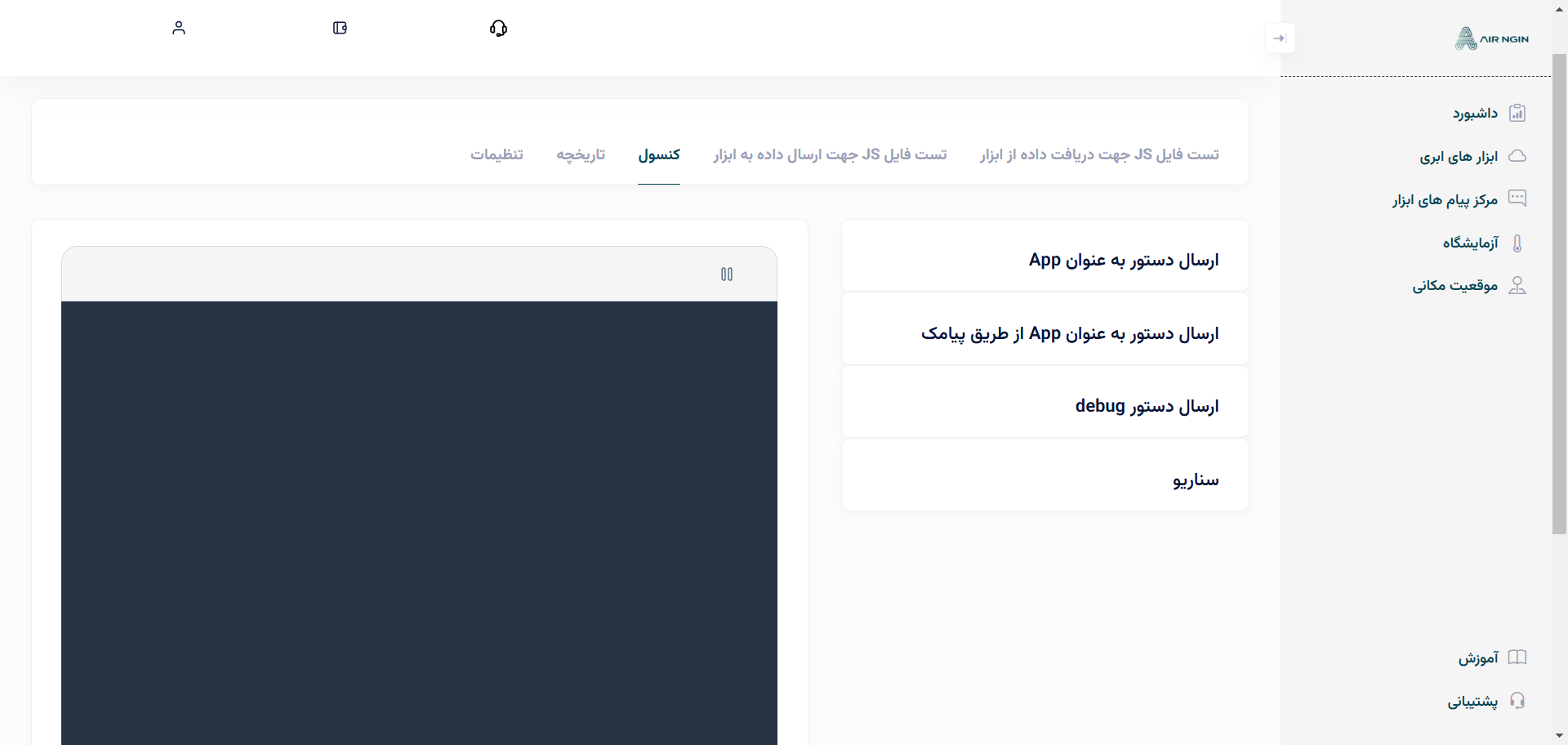
Typical Console actions include:
- sending a command as the mobile App;
- testing eligible GSM/SMS control paths;
- sending supported Debugger commands such as reboot/config/clean;
- executing scenarios for testing.
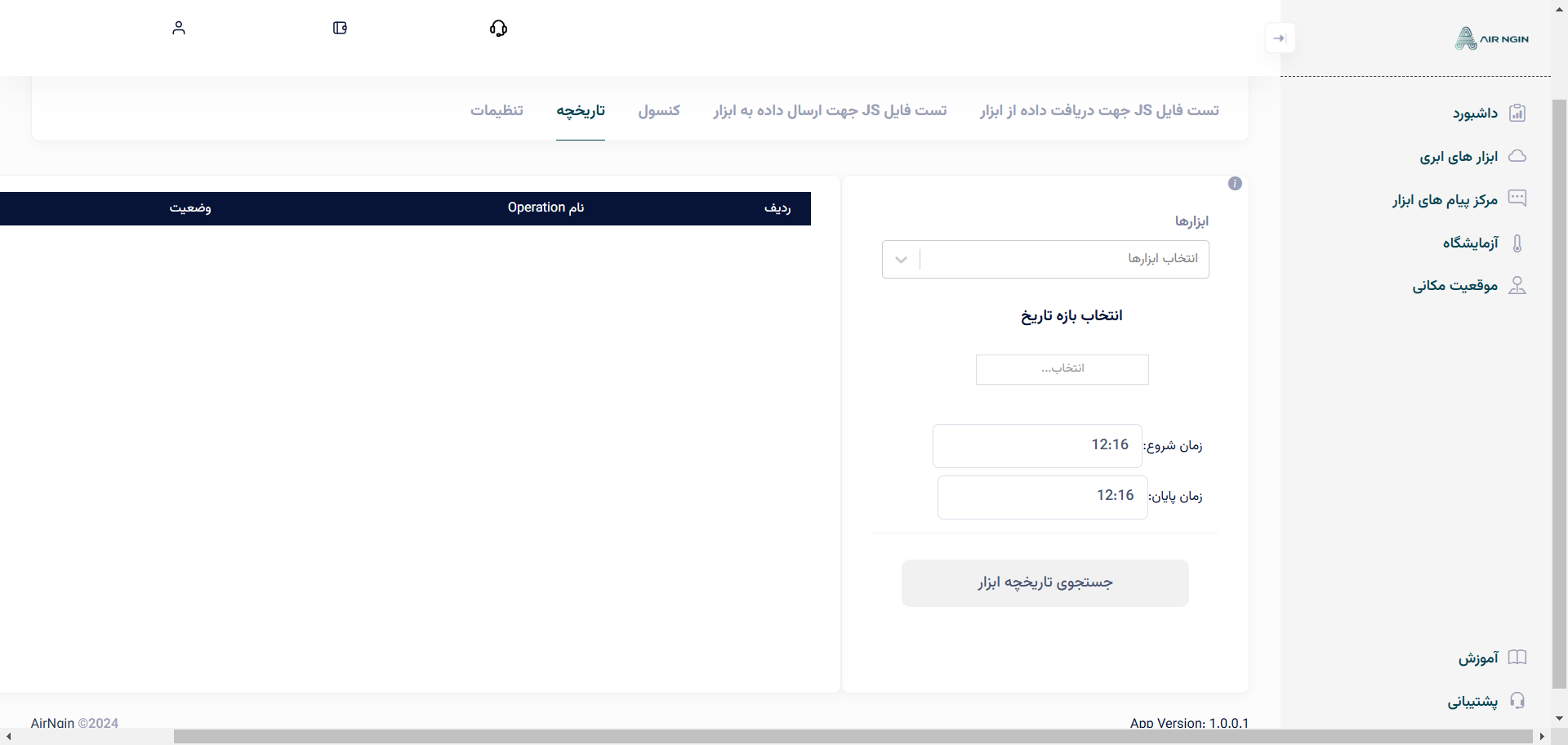
History
For a connected project, the Lab can show recent Device history such as connectivity changes and Operation values, subject to the project's retention policy.
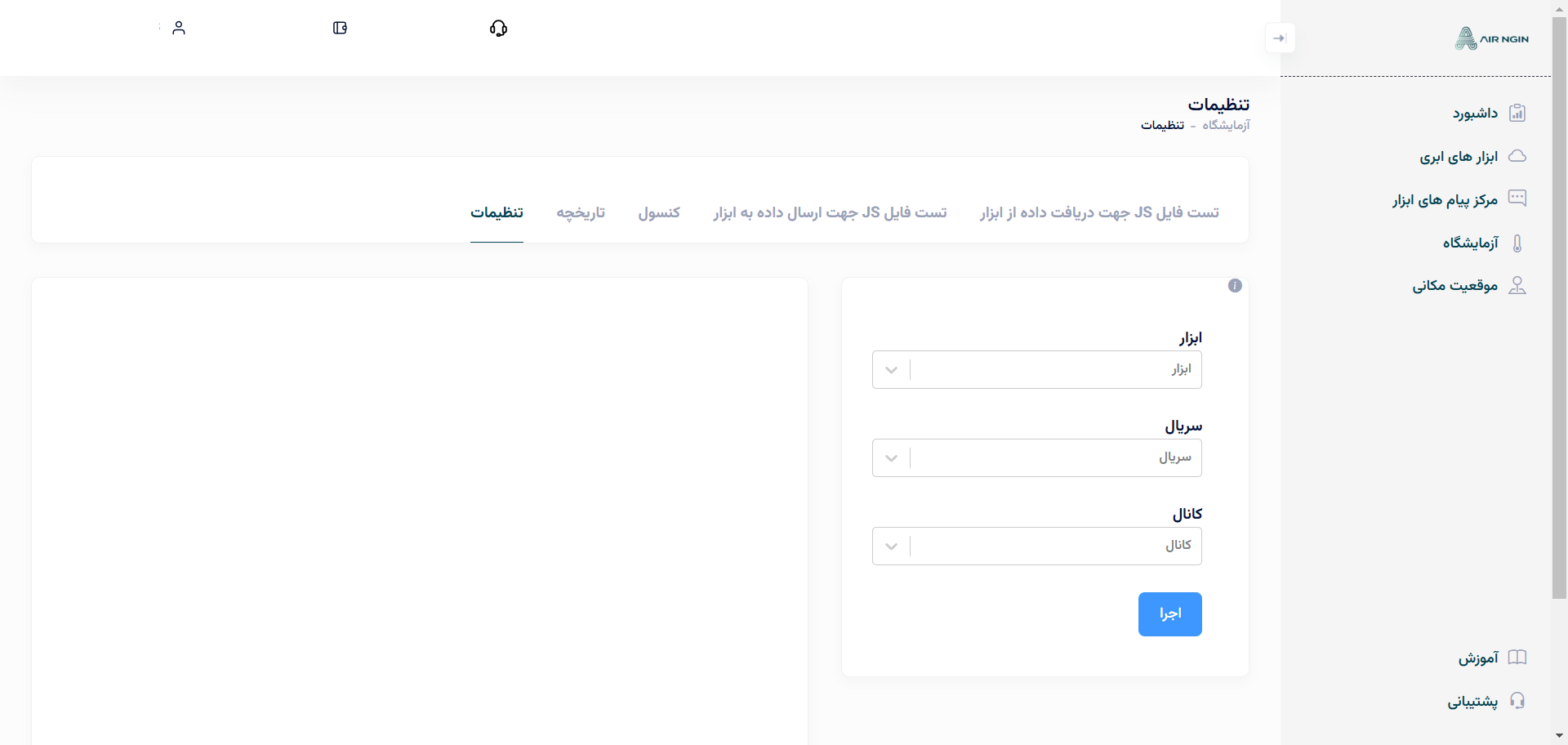
Settings
If the selected Device definition includes Dedicated Setting HTML, the Lab can load that page for the selected Device instance so authorized support users can inspect or change the product-specific settings remotely.