Create a new ESP32 project
Use PlatformIO in Visual Studio Code to create the firmware project for the exact board used by your product.
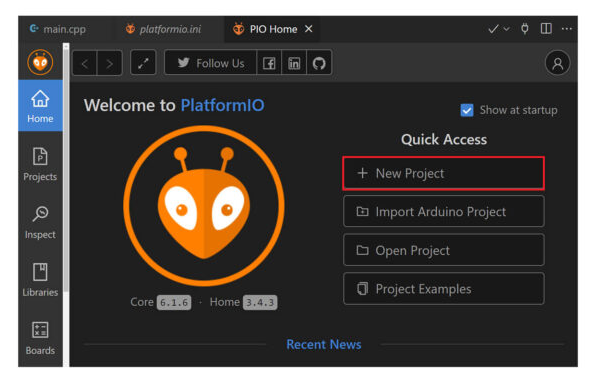
- Open PlatformIO Home.
- Choose New Project.
- Give the project a clear name.
- Select the exact ESP32 board/MCU target.
- Choose the framework used by your firmware.
- Create the project and build the untouched template once.
After the baseline build succeeds, add your existing product firmware and then integrate AirNgin networking/provisioning without changing working GPIO, bus, or control behavior unnecessarily.